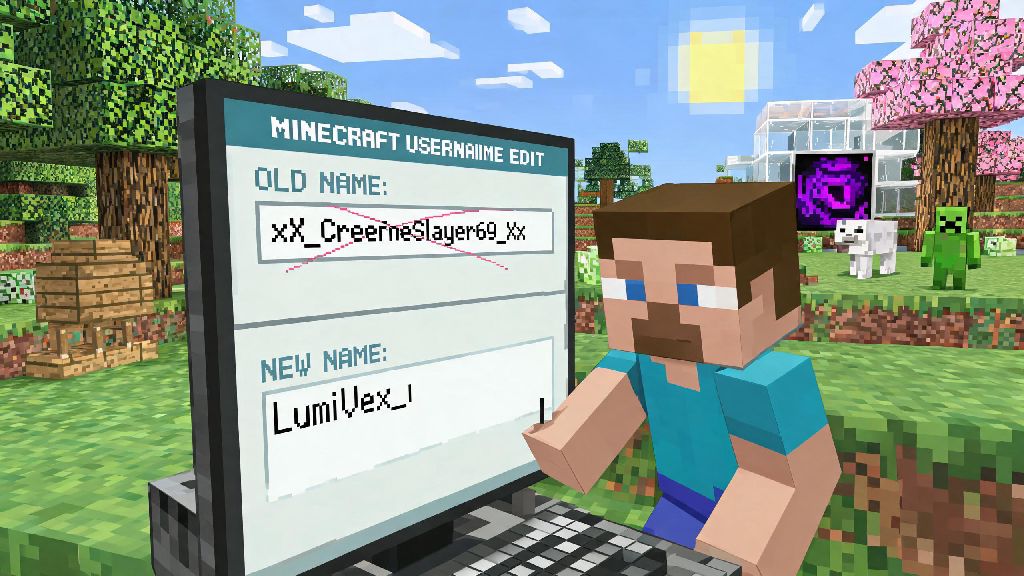
Have you ever logged into your Minecraft world, looked at your display name, and realized it’s the same cringey handle you picked when you were 12? We’ve all been there. Whether you’re rebranding for streaming, tired of old inside jokes no one gets, or just want a name that matches your current playstyle, learning how to change your Minecraft username is a simple process if you follow the right steps. This guide covers every platform, common pitfalls to avoid, and everything you need to know to keep your progress intact when you make the switch.
What to Know Before You Change Your Minecraft Username
When you plan to change your Minecraft username, the first thing to check is whether the new name you want is available. Mojang has strict rules for name eligibility, so you can’t use handles with special characters, hate speech, or ones that are already linked to another active account. You also don’t want to go through the process only to find out your first pick is already taken.
There are two key timelines you need to remember before making any changes. The first is the 30-day cooldown period after any name change, which means you won’t be able to switch to another name for a full month after you confirm your new handle. The second is the 37-day grace period where your old username is reserved for you only, in case you change your mind and want to switch back. After those 37 days pass, your old name becomes available for any other player to claim.
You also want to make sure your Minecraft account is fully linked to your Microsoft account before making any changes. Unmigrated legacy accounts can run into issues with lost progress or access after a name change, so take two minutes to complete the migration process first if you haven’t already.
Step-by-Step Process to Change Your Name on Desktop and Mobile
The process to change your Minecraft username is slightly different for Java and Bedrock editions, but both take less than five minutes to complete. For Java edition players, head to the official Mojang account page, log in with your linked Microsoft account, navigate to your profile settings, and look for the username field. Click the “change” button next to the field, type in your desired new username, enter your account password to confirm, and save the changes.
For Bedrock edition players, your Minecraft username is tied directly to your Xbox gamertag, so you’ll need to change your gamertag to update your in-game name. You can do this through your Xbox account settings on desktop, the Xbox app on mobile, or directly through your console settings. Keep in mind that first gamertag changes are free, but any subsequent changes will come with a small Xbox gamertag change fee that varies by region.
If you’re switching between games often during breaks from building or survival runs, you might already be used to updating profile details across different platforms to keep your identity consistent. Many players like to use the same handle across all their favorite games to make it easier for friends to find them, no matter what they’re playing. For example, casual players who take quick 10-minute breaks between mining sessions often play HiRummy for a low-stakes, fun distraction, and many update their display names there to match their Minecraft handle for cross-platform recognition.
Once you confirm the new name is available, you can complete the process to change your Minecraft username in less than two minutes. The change will go into effect immediately for most single player worlds, but you may need to log out and log back into multiplayer servers for the new name to show up.
Common Problems You Might Face After a Name Change
Most issues that pop up after you change your Minecraft username are easy to fix if you know what to do. The most common problem is losing access to servers that use whitelists tied to old usernames, instead of your account’s unique UUID. Many smaller survival servers still use username-based whitelists, so admins will need to manually update your entry to grant you access again.
Other common issues include friends not recognizing your new name and removing you from their friends list, or losing access to player-specific ranks and permissions on community servers. These issues are all avoidable with a little advance planning, and even if you run into them, they only take a few minutes to resolve. Here are quick fixes for the most frequent problems:
The most important thing to remember is that UUID linking is the only permanent way to tie your progress to your account, not your username. Any server that uses UUID-based permissions and whitelists won’t have any issues when you change your name, so you may want to ask your favorite server admins about their system before you make the switch.
Should You Change Your Minecraft Username at All?
If you’re on the fence about whether to change your Minecraft username, weigh the small risks against the benefit of having a handle you’re proud of. For most players, the pros far outweigh the cons: you get to leave behind embarrassing old names, make it easier for fans or friends to find you if you create content, and refresh your overall play experience with a new identity.
That said, there are a few cases where you might want to hold off on making a change. If you’re a well-known player on a small community server and don’t have time to alert admins ahead of time, you might be locked out of the server for a few days until you can reach the mod team. If you also plan to sell or trade your account in the future (which is against Mojang’s terms of service, for the record), a name change can make that process more complicated.
If you do decide to move forward with the change, we recommend making a pre-announcement for regular server players at least a week before you switch your name. Let your friends and server admins know what your new name will be, so they can update whitelists and permissions ahead of time, and no one gets confused when a new name pops up in the chat.
At the end of the day, picking a new Minecraft handle is a fun way to refresh your experience in the game, as long as you follow the rules and prepare for any small hiccups along the way. If you take the time to check for name availability, alert your server admins and friends ahead of time, and keep the cooldown rules in mind, you’ll find that how to change your Minecraft username is a quick, painless process that lets you put your best foot forward every time you log in.