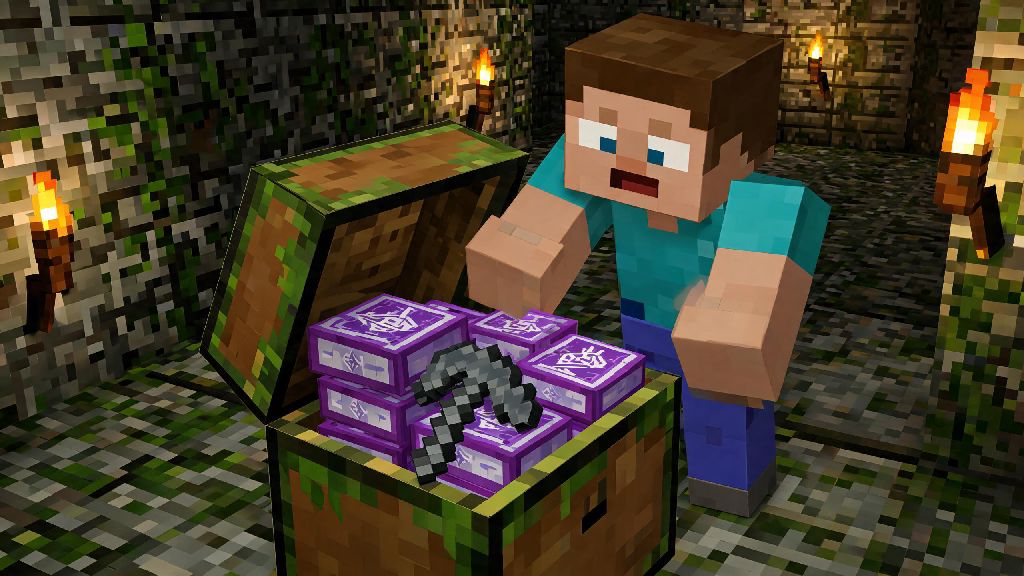
There’s nothing more exciting than digging through a mossy dungeon chest and pulling out a shiny enchantment book, especially if you’re a new player still fumbling through your first survival world. You might know it gives you special perks for your gear, but figuring out exactly how to apply those perks can feel confusing at first. Knowing how to use enchantment books in Minecraft is one of the most high-impact skills you can learn, because it lets you skip the randomness of the standard enchantment table and get exactly the bonuses you want for your playstyle. Unlike the enchantment table, which spits out random enchants based on your XP level, books let you pick and choose perks to build the exact loadout you need.
How to Use Enchantment Books in Minecraft: Core Prerequisites First
Before you can start slapping enchants on your favorite netherite pickaxe, you need a few key items to make the process work. First, you’ll need an anvil, which you can craft with 3 iron blocks and 4 iron ingots arranged in a crafting table. Iron isn’t too hard to find even in early game, so you can make your first anvil as soon as you have a steady supply of iron ore. You can only apply enchantment books to compatible items, so make sure the book you have matches the gear you want to upgrade—you can’t put a bow-specific Power enchant on a sword, for example. Anvils can break after roughly 25 uses, so it’s smart to keep a few extra iron blocks on hand to craft a replacement when yours wears out. You’ll also need enough XP levels to cover the cost of the enchant, which varies based on how rare the perk is. You can get enchantment books a few different ways: find them in chests across the world, trade for them with librarian villagers, fish them up with a fishing rod, or even combine lower level books to make higher level ones. Librarians are the most reliable source, by the way—you can break and replace their lectern over and over until they offer the exact enchant you want, no risky grinding required.
Step-by-Step Process to Apply Enchantment Books
Once you have all your supplies gathered, the actual process of applying the book is really straightforward. First, place your anvil down on a solid block and right-click to open its interface. You’ll see three slots: one on the far left, one in the middle, and one on the far right. Put the item you want to enchant in the left slot, and the enchantment book in the middle slot. The right slot will then show you the upgraded version of your item, plus the number of XP levels you’ll need to spend to complete the trade. If you have enough XP, just click the item in the right slot to add it to your inventory, and you’re done. Always apply lower XP cost enchants first when stacking multiple perks on one item to keep your total cost as low as possible. I used to mess this up all the time, adding Mending (a high-cost rare enchant) first to my pickaxe, then adding Unbreaking later, and I wasted 12 extra XP levels that I could have saved by reversing the order. You can also repair damaged items in the anvil at the same time you add enchants, which saves you an extra use of the anvil later on. Just add the matching raw material (like a diamond for a diamond pickaxe) to the left slot with your damaged item, plus the enchantment book in the middle, and you’ll get a fully repaired, enchanted item for a small extra XP cost.
Best Enchantment Book Combinations for Common Playstyles
The best part of using enchantment books is that you can mix and match perks to build gear that fits exactly how you like to play. You don’t need to collect every single enchant available if you only spend your time farming, for example. If you’re not sure where to start, these tried and tested combinations work for most players:
Keep in mind that some enchants are mutually exclusive, meaning you can’t apply both to the same item. Frost Walker and Depth Strider are the most common example—Frost Walker freezes water under your feet, while Depth Strider lets you walk faster through water, so you have to pick one based on whether you spend more time on land or exploring oceans. Mending is the only enchant that lets you keep your favorite tools permanently, so prioritize finding it first if you can. It repairs your gear using XP you collect from mining, fighting mobs, or trading, so you’ll never have to craft a new netherite tool again as long as you don’t lose it.
Common Mistakes to Avoid When Using Enchantment Books
It’s really easy to waste valuable books or XP if you don’t know what to look out for, especially when you’re first starting out. The first and most common mistake is wasting high-tier enchants on low-tier items. Don’t put Sharpness V on a stone sword, for example—you’ll replace it with an iron or diamond sword within a day, and you’ll lose that rare enchant forever. Another mistake is not checking enchant compatibility before you spend emeralds on a book from a villager. There’s no point buying a Power V book if you never use a bow, no matter how good the deal seems. You also don’t want to apply clashing enchants to the same item, like Silk Touch and Fortune on a pickaxe. They cancel each other out, so you won’t get extra ore drops from Fortune, and you’ll have wasted one of the enchants entirely. Combine multiple enchantment books into one book first before applying to your final item to cut down on anvil XP costs. Every time you use an anvil on an item, the next use costs more XP, so combining books first means you only have to use the anvil on your final tool once, instead of 3 or 4 separate times. I learned this the hard way when I had a pickaxe that ended up costing 35 XP levels to add one final Unbreaking III enchant, because I added each perk separately over a month. Also remember that once you apply an enchant to an item, you can’t remove it, so double check the interface before you click to confirm the trade.
Once you get the hang of how to use enchantment books in Minecraft, you’ll wonder how you ever played without them. They take all the frustration out of random enchantment table rolls, and let you build gear that’s perfectly tailored to how you enjoy the game. Don’t stress if you mess up a few times at first—everyone wastes a book or two on a useless item when they’re learning. Try out different combinations, test what works for your playstyle, and you’ll be breezing through your survival world, fighting ender dragons and mining thousands of diamonds, before you know it.