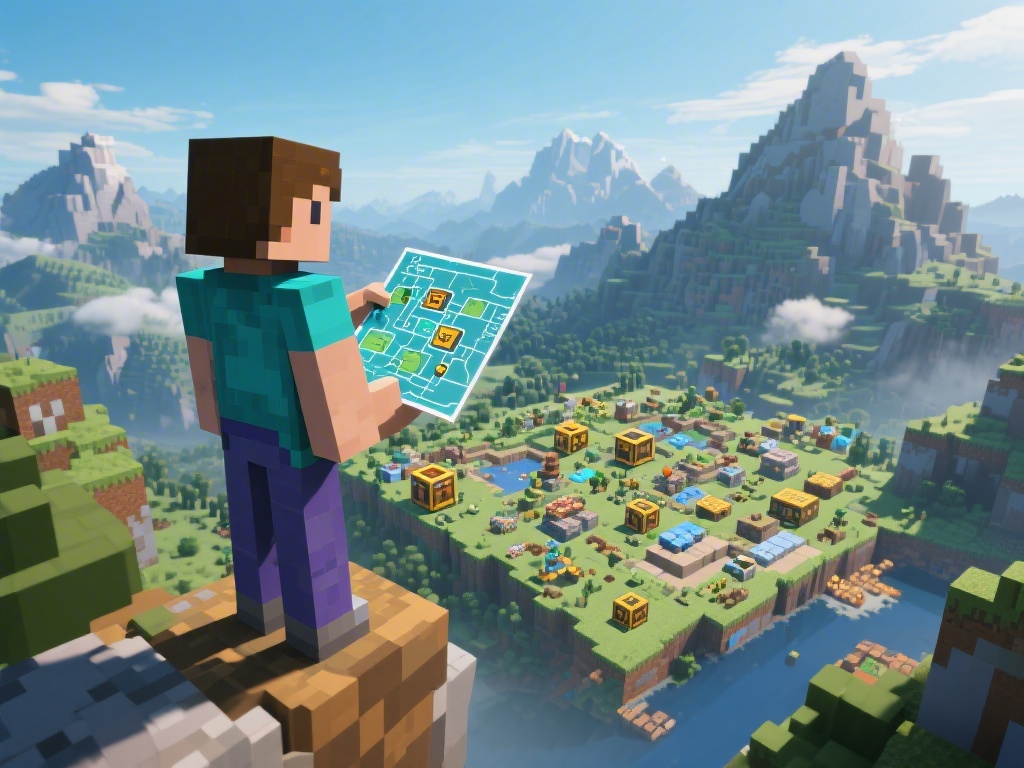
Creating your own Minecraft map can be an incredibly rewarding experience. Whether you're looking to share your creations with others or simply want to explore your own creativity, this guide will walk you through the process of making a Minecraft map.
Understanding Minecraft Maps
Minecraft maps are essentially saved worlds that you can explore, build on, or modify. They can range from simple survival maps to complex adventure maps with custom features. Before diving into creation, it's important to understand the basics of how Minecraft maps work.
Step 1: Choose Your Map Type
The first step in creating a Minecraft map is to decide what type of map you want to make. Do you want a survival map where players must gather resources and survive? Or perhaps an adventure map with puzzles and hidden treasures? Choose a type that aligns with your interests and goals.
Step 2: Set Up Your World
Once you've decided on the type of map, it's time to set up your world. This involves choosing the seed, setting the difficulty, and selecting the game mode. You can also customize other settings like weather and time to create the perfect environment for your map.
Step 3: Start Building
With your world set up, it's time to start building. Use the various blocks and items available in Minecraft to create your map. Whether you're building a house, a city, or a maze, the possibilities are endless.
Step 4: Add Features and Challenges
To make your map more engaging, consider adding features and challenges. This could include puzzles, hidden paths, or obstacles that players must overcome. The more creative you are, the more enjoyable your map will be for others to play.
Step 5: Test and Refine Your Map
Before sharing your map with others, it's important to test it thoroughly. Play through your map to ensure that everything works as intended and that there are no bugs or glitches. Make any necessary adjustments to improve the experience.
Creating a Minecraft map can be a fun and rewarding process. By following these steps and using your creativity, you can create maps that are both enjoyable and unique. Happy building!