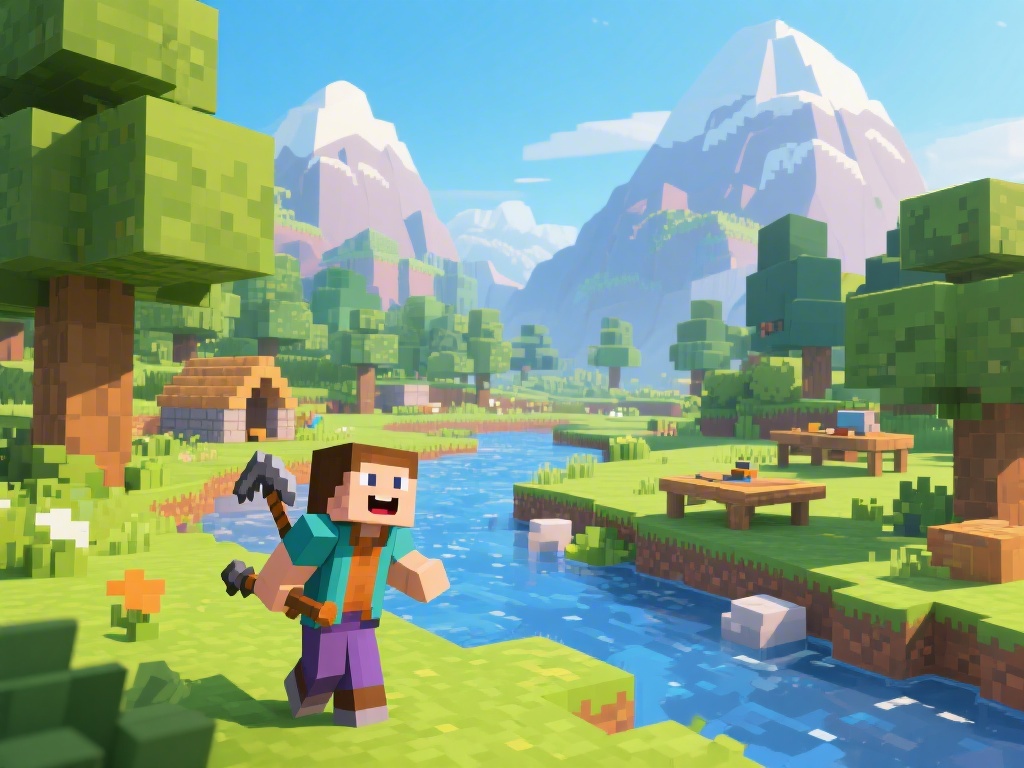
Are you new to the world of Minecraft and wondering how to play? Look no further! This comprehensive guide will walk you through the basics, providing you with essential tips and tricks to get started. Whether you're interested in building, exploring, or surviving, we've got you covered. Let's dive in and find out how to play Minecraft like a pro!
1. Install Minecraft and Choose Your Edition
First things first, you need to install Minecraft on your computer or device. Choose between the Java Edition or the Bedrock Edition, depending on your platform. The Java Edition is more suitable for building and modding, while the Bedrock Edition offers cross-platform play.
2. Familiarize Yourself with the Basics
Once you've installed Minecraft, it's time to familiarize yourself with the basics. Learn about the inventory, crafting system, and how to gather resources. Remember, the key to success in Minecraft is resource management.
3. Start Building Your World
Minecraft is all about creativity. Start building your own world by gathering materials and using the crafting system. Experiment with different blocks and structures to create something unique.
4. Explore and Survive
Don't just focus on building; Minecraft is also about exploration and survival. Venture into the nether, find hidden treasures, and be prepared for the nightfall. Survival mode can be challenging, but it's also where the real fun begins.
5. Join the Minecraft Community
Lastly, join the Minecraft community to share your experiences, learn from others, and get inspired. Whether you're a beginner or an experienced player, the Minecraft community is a great place to connect with like-minded individuals.
Now that you know how to play Minecraft, it's time to embark on your own adventure. Follow these steps, and you'll be well on your way to becoming a Minecraft expert. Happy building, exploring, and surviving!