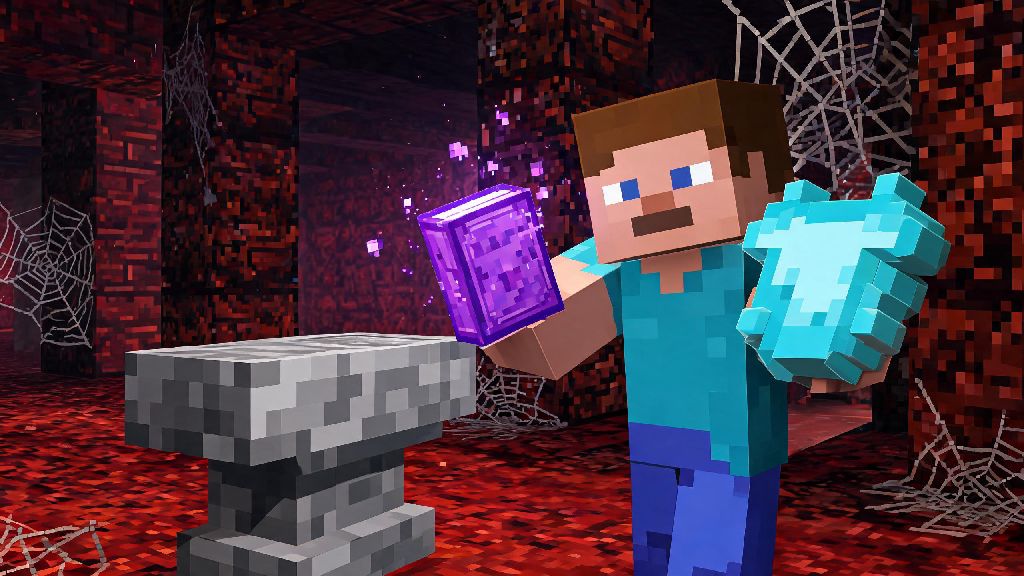
If you’ve ever stumbled on a dusty chest in a Nether fortress or abandoned mineshaft and pulled out a glowing enchanted book, you’ve probably felt that split second of excitement followed by confusion. What do you even do with this thing? It’s not like a regular enchanted item you can just equip and use right away. We’ve all been there – I once hoarded three Mending books for three months when I first started playing because I was scared I’d use them wrong and waste my luck. Today we’re breaking down exactly how do you use an enchanted book on Minecraft, plus all the pro tips you need to get the most out of every rare enchant you find.
How Do You Use an Enchanted Book on Minecraft: Core First Steps
The only tool you need to use an enchanted book is an anvil, not an enchanting table. Enchanting tables let you apply random enchants to gear directly, but enchanted books require an anvil to transfer their magic to usable items. First, you’ll need to craft an anvil if you don’t already have one: you need 3 iron blocks (each made of 9 iron ingots, so 27 total for the blocks) plus 4 extra iron ingots, arranged with the 3 blocks across the top row of the crafting table, 1 ingot in the middle of the second row, and 3 ingots across the bottom row.
Once you have your anvil placed down, right click to open it. You’ll see three slots: the left slot is for the item you want to enchant, the middle slot is for the enchanted book, and the right slot is for your finished enchanted item. You can only apply enchants that are compatible with the item, so don’t try to put a bow-specific Power enchant on a pickaxe, it won’t work. You’ll also see a number at the bottom of the anvil menu, that’s how many XP levels you need to spend to apply the enchant. If you don’t have enough levels, you won’t be able to take the finished item out of the slot.
If you have two of the exact same enchanted book (same enchant, same level), you can combine them in the anvil to get the next level of that enchant, for example two Sharpness III books make one Sharpness IV book. This is a great way to turn low-level loot drops into high-value enchants you actually want to use.
Top Compatible Enchantments for Common Minecraft Items
It’s easy to get overwhelmed by all the different enchants available, especially if you’re new to the game. To make things simpler, we’ve rounded up the best enchant combinations for the items you’ll use most often in survival mode.
I learned the hard way that checking compatibility first saves you a lot of frustration. When I was a new player, I found a rare Protection IV book in a desert temple, and I tried to apply it to my iron sword because I thought it would make me deal more damage. The anvil wouldn’t accept it, and I spent 20 minutes confused before I looked it up. If you put an incompatible book in the anvil’s middle slot, the right output slot will stay empty, so you won’t waste any XP or items trying to apply it, you’ll just know you need to find a different item for that enchant.
Pro Tips to Avoid Wasting Rare Enchanted Books
Enchanted books, especially high-tier ones like Mending or Efficiency V, are incredibly hard to find, so you don’t want to waste them on silly mistakes. These tips have saved me dozens of rare books over my years playing Minecraft. Always apply your highest value enchants first when you’re adding multiple enchants to the same item. Every time you use an anvil on an item, the “prior work penalty” goes up, which means each subsequent enchant will cost more XP. If you add a cheap Unbreaking I first, then add Mending later, you’ll pay way more XP than if you add Mending first, then Unbreaking.
Another great trick is to combine multiple enchanted books into a single book first before applying them to your gear. If you have Unbreaking III, Efficiency V, and Fortune III books all for a pickaxe, combine them into one book on an anvil first, then apply that single book to your pickaxe. That cuts down the total XP cost a lot, and reduces the prior work penalty on your gear.
Don’t waste high-tier enchants on low-quality gear – there’s literally no point putting Mending on a wooden or stone pickaxe. Those items have such low durability that even with Mending, they’ll break after a few uses, and you’ll lose the enchant forever. Save your rare enchants for diamond or netherite gear that you’ll use for hundreds of hours, and use low-level enchants for disposable tools you only use once or twice. If you get duplicate low-level enchants from fishing or loot chests, combine them to make higher level versions instead of applying them directly. Two Unbreaking I books make an Unbreaking II book, and two of those make Unbreaking III, which is the highest level available.
Common Mistakes Players Make With Enchanted Books (And How to Fix Them)
Even experienced players make mistakes with enchanted books sometimes, but most of these are easy to avoid once you know what to look for. One of the most common myths I see new players believe is that you can transfer enchants from existing gear to a book. There is no vanilla way to transfer enchants from gear to a book, no matter what you see in modded playthroughs or old YouTube videos. If you put enchanted gear in a grindstone, you’ll only get XP back, you won’t get the enchants as a book. That means if you have a diamond sword with Sharpness V that you don’t use anymore, you can’t pull that Sharpness V off and put it on a netherite sword, you’ll have to find a new Sharpness V book.
Another common mistake is trying to apply conflicting enchants to the same item. For example, you can’t have both Sharpness and Smite on a sword, or both Fortune and Silk Touch on a pickaxe. If you try to apply the second conflicting enchant, it will overwrite the first one, and you’ll lose the original enchant entirely. That’s a super costly mistake if you overwrite a Mending book with a random low-level enchant, so always double check that the enchants you’re adding work together before you put them in the anvil.
The third most common mistake is forgetting to farm enough XP before you try to apply a high-cost enchant. Always make sure you have enough XP to cover the enchant cost before you put your rare gear or book in the anvil. If you leave the anvil menu open and run off to farm XP, you risk dying and losing all the items you left in the anvil, or someone else on a multiplayer server taking them. If you see the anvil say “Too Expensive!” when you try to apply an enchant, that means the total cost is over 39 levels, which is the maximum for vanilla survival. You can fix this by combining your enchants into a single book first, or using a fresh new copy of the gear you want to enchant, since new gear has no prior work penalty.
Enchanted books are one of the most rewarding loot items in Minecraft, and using them correctly can turn even a basic survival world into a powerhouse where you can take on the Ender Dragon or Warden without breaking a sweat. Understanding how do you use an enchanted book on Minecraft is a core skill every player should learn, regardless of if you play casual survival or competitive PvP. You don’t have to memorize every single enchant compatibility rule right away, just start with the basics we covered here, and build from there. I still keep a small written list of all the enchanted books I have stored in my survival world chests, so I don’t accidentally grab a Mending book when I’m just looking for a low-level Unbreaking for a temporary shovel. It’s a small habit that saves me tons of frustration, and it’s easy to start doing yourself. Next time you find a glowing enchanted book in a loot chest, you won’t have to panic about wasting it – you’ll know exactly what to do.