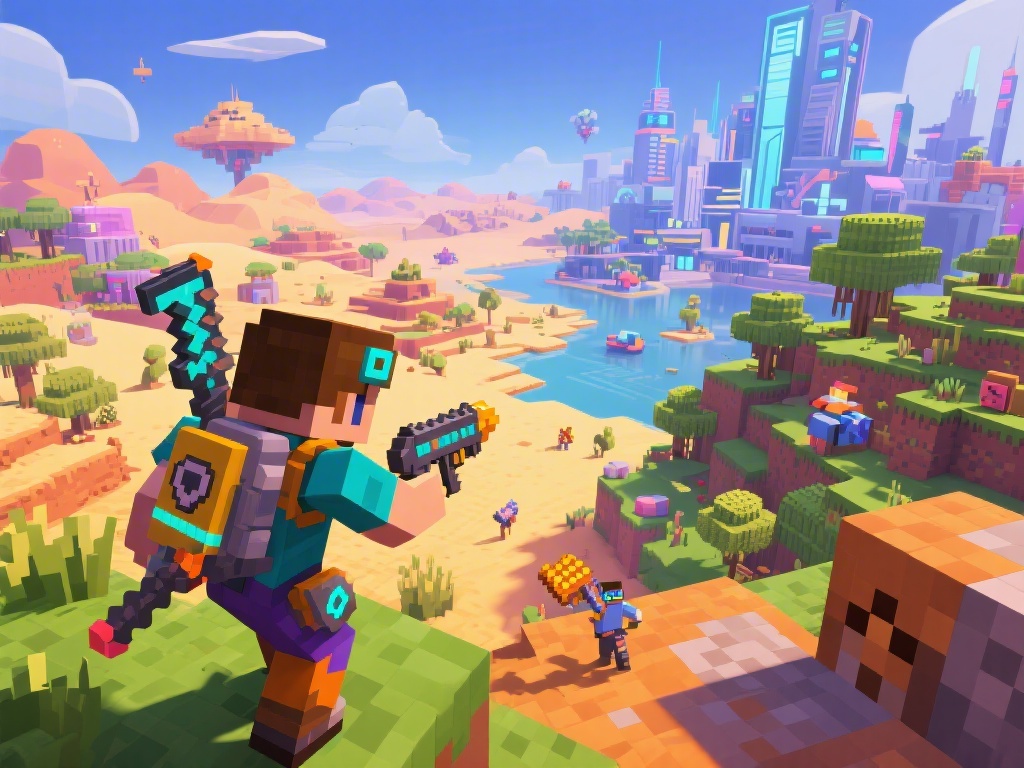
Are you looking to enhance your Minecraft experience with modpacks? Modpacks add new features, content, and mechanics to Minecraft, bringing a fresh and exciting gameplay experience. But how do you install them? Don't worry, we've got you covered. In this comprehensive guide, we will walk you through the process of installing modpacks in Minecraft. So, let's dive right in!
Step 1: Prepare Your Minecraft Environment
Before you begin, make sure you have the following prerequisites:
Step 2: Download the Minecraft Forge Installer
Minecraft Forge is the backbone of modpack installation. Follow these steps to download and install it:
Step 3: Download the Modpack of Your Choice
Now that Forge is installed, you can choose a modpack that suits your taste. Here's how to download one:
Step 4: Install the Modpack in Minecraft
After downloading the modpack, it's time to install it in Minecraft. Here's how to do it:
Step 5: Enjoy Your Enhanced Minecraft Experience
Once the update is complete, you're ready to dive into your new Minecraft world with the modpack's added features and mechanics. Happy gaming!
By following this step-by-step guide, you should now be able to install modpacks in Minecraft without any hassle. Have fun exploring the endless possibilities of Minecraft modding!