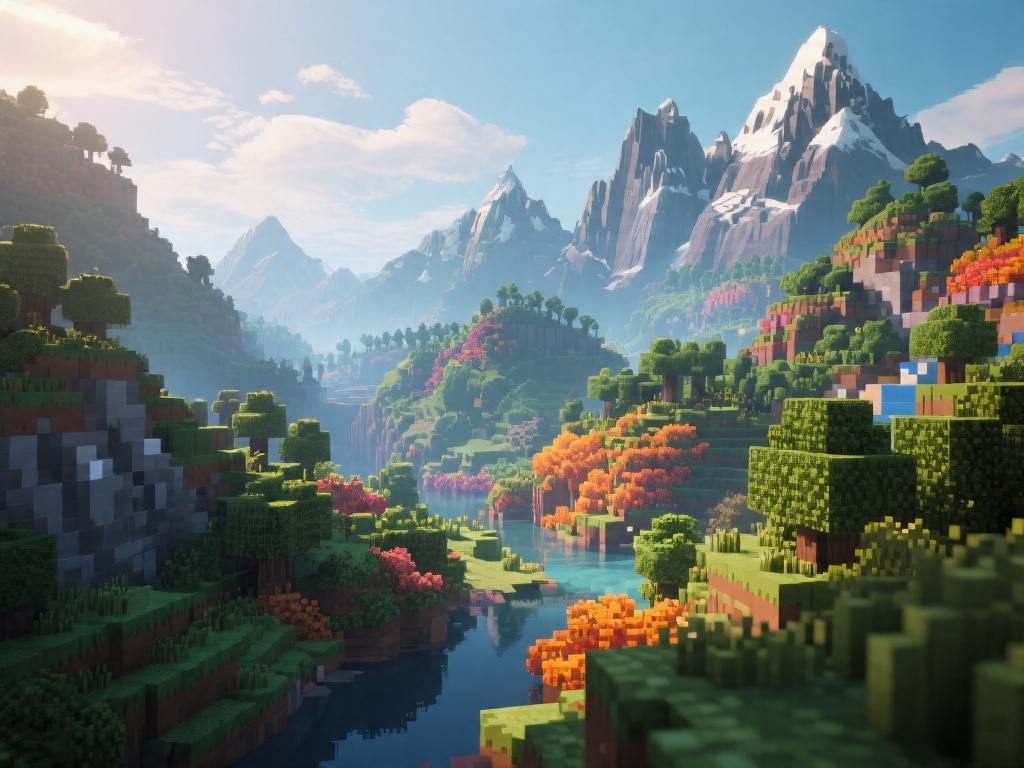
Introduction to Shaders in Minecraft
Shaders are a game-changer for Minecraft players looking to enhance their gaming experience. By adding shaders, you can transform the game's graphics, making them more realistic and visually stunning. In this guide, we'll walk you through the process of adding shaders to Minecraft, step by step.
Understanding Shaders
Before we dive into the installation process, let's understand what shaders are. Shaders are programs that run on your graphics card and modify the way your game's graphics are rendered. They can significantly improve the look of your Minecraft world, from the landscapes to the characters and everything in between.
Step 1: Preparing Your Minecraft
To begin, ensure that your Minecraft game is up to date. Shaders require a certain version of Minecraft to work correctly. You can check the compatibility on the shader's official website. Additionally, make sure you have the latest drivers for your graphics card.
Step 2: Choosing a Shader Pack
Next, you need to choose a shader pack. There are many shader packs available online, each with its unique style and level of detail. Popular shader packs include Sildur's shader pack and Optifine's shaders. Visit the shader pack's website to download it.
Step 3: Installing the Shader Pack
Once you have the shader pack downloaded, you need to install it. This process varies slightly depending on whether you are using Optifine or a shader mod. For Optifine, you simply need to drag the shader pack into the Optifine folder. For shader mods, you'll need to extract the shader files to the Minecraft folder.
Step 4: Configuring the Shader Settings
After installing the shader pack, you'll need to configure the settings. This is done through the shader pack's configuration file or the game's graphics settings. You can adjust the settings to find the perfect balance between performance and visual quality.
Step 5: Enjoying Your Enhanced Minecraft Experience
Once you've configured the settings, you're ready to enjoy your new shader-enhanced Minecraft world. The difference in visuals can be dramatic, and you'll find yourself immersed in a more realistic and captivating gaming experience.
Conclusion
Adding shaders to Minecraft is a straightforward process that can significantly enhance your gaming experience. By following these steps, you can transform your Minecraft world into a visually stunning environment. So, why not give it a try and discover the beauty of Minecraft with shaders?