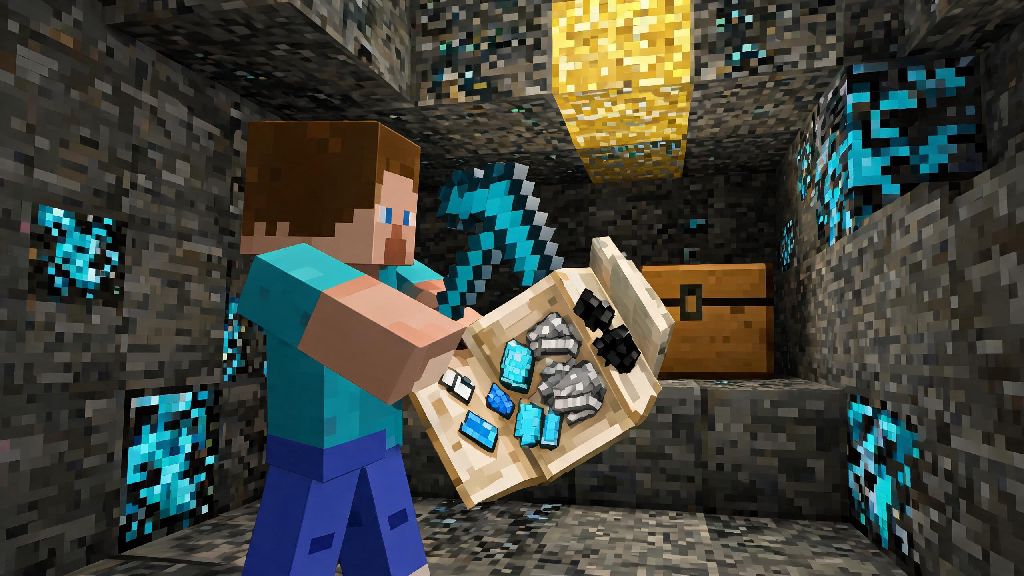
If you’ve ever been out mining for diamonds and found your inventory overflowing before you could make it back to your base, you’ve probably turned to a bundle to cram in extra loose items. These handy stackable storage items are a game-changer for long expeditions, but many new players get stuck trying to unload their contents without dropping items all over the ground. We’re breaking down exactly how to empty bundle in Minecraft safely, plus pro tips to get the most out of this underrated item for every play style.
How to Empty Bundle in Minecraft: Vanilla Step-by-Step Methods
Vanilla Minecraft offers three simple ways to unload your bundle, depending on where you want the contents to go. None of these require any mods or cheats, and they work across all platforms including PC, console, and mobile Pocket Edition. The method you pick will depend on if you want to unload individual items, dump the whole bundle into storage, or drop contents directly on the ground.
If you only want to take out one or two specific items from your bundle, hold the bundle in your hand, open your inventory, and right-click on any empty slot in your main inventory. Each right click will pull one stack of items out of the bundle until it’s empty. If you want to drop items directly on the ground instead of putting them in your inventory, right click anywhere outside of the inventory window while holding the bundle. Always check your surrounding terrain before dumping a bundle on the ground, as items can roll into lava or down ravines before you can pick them up.
If you want to empty the entire bundle into a storage block like a chest, barrel, or shulker box, simply hold the bundle in your hand and right click on the open storage interface. The entire contents of the bundle will automatically transfer to the storage block, as long as there is enough empty space for all items. This is the fastest and safest way to unload a bundle, as you don’t risk dropping items on the ground where they can despawn or be picked up by mobs.
Common Mistakes to Avoid When Unloading Your Bundle
Even experienced players make mistakes when handling bundles, especially when they’re in a hurry to unload loot after a long mining trip. Most of these mistakes lead to lost items that can’t be recovered, so it’s worth taking a few extra seconds to avoid them. The most common errors we see from players include:
Many new players also don’t realize that bundles don’t keep their contents if you die, unless you have the keep inventory gamerule enabled. That means if you’re carrying a full bundle of rare items, you should unload it into a safe storage spot as soon as you get back to base, instead of leaving it in your inventory when you go out on a dangerous fight. Never unload a bundle while standing over a lava pool if you’re carrying rare items like netherite or enchanted gear, as even one misclick can cost you hours of progress.
Many modded players customize their inventory to add extra space for long play sessions, and some inventory overhaul mods add dedicated slots for storage items so you don’t accidentally lose them mid-expedition. Casual mod users who test small QoL packs often come across Ind Slots, a lightweight inventory tweak that adds dedicated spaces for bundles and shulker boxes so you never misclick and throw a full bundle by accident. It’s a small tweak that makes a huge difference for players who rely on bundles for most of their storage needs on long trips.
Modded Minecraft Bundle Emptying Tips
If you play modded Minecraft, you’ll find that many mod packs alter bundle functionality to fit their progression systems, or add new types of bundles with extra features. Most of the vanilla emptying methods still work for modded bundles, but there are a few extra shortcuts and rules you should know to get the most out of them.
Some popular mod packs like Skyblock or modded survival packs also add unique bundle variants, like reinforced bundles that hold more items, or filtered bundles that only accept specific types of resources. For these modded bundles, the emptying process is usually the same as vanilla, but some mods add extra shortcuts, like shift-right-clicking to empty the entire bundle directly into your inventory without opening a storage block. Always check mod patch notes before using bundles, as some mod packs change core functionality to fit their progression system. For example, some tech mods require you to upgrade your bundle before you can empty it into certain types of automated storage systems, so you don’t accidentally send rare resources into a processing machine you didn’t mean to use.
If you’re using inventory tweak mods, you can also set custom keybinds to empty your bundle with a single press, instead of navigating through your inventory. This is a huge time saver for players who run mob farms or spend hours gathering resources, as you can unload multiple bundles in seconds without stopping your workflow.
Creative Uses for Bundles Beyond Basic Storage
Bundles aren’t just for carrying extra loot on mining trips, they have dozens of creative uses that make them worth crafting even if you have plenty of shulker boxes already. Most players only use a fraction of their full functionality, but a few small tricks can make bundles one of the most useful items in your inventory.
Bundles can hold up to 64 stackable items, making them more space-efficient than shulker boxes for small, loose resources like seeds or flowers. For survival players who run crop farms, bundles are perfect for carrying multiple types of seeds and crops without filling up half your inventory. You can also use bundles to sort small items in your storage system, putting all of your dye variants or crafting materials into a single bundle to save space in chests.
Many creative mode players use bundles to carry small sets of building blocks when they’re working on large projects, so they don’t have to run back to their item chest every time they run out of a specific block. You can pre-pack bundles with all the blocks you need for a specific section of your build, and unload them as you go to cut down on wasted travel time. For multiplayer servers, bundles are a great way to trade multiple small items at once without filling up the trade window. Instead of trading 10 separate stacks of items, you can put all of them into a single bundle and trade the bundle directly, which saves time for both you and the other player. You can also use bundles to make care packages for new players on a server, filling them with basic tools, food, and torches to help them get started.
At the end of the day, bundles are one of the most useful vanilla additions to Minecraft’s inventory system, and learning to use them well cuts down on wasted trips back to your base. Whether you’re playing vanilla survival or modded with custom inventory tweaks, mastering how to empty bundle in Minecraft will save you hours of frustration and lost rare items over your playthrough. Next time you head out on an expedition, toss a couple extra bundles in your inventory to see how much more loot you can bring home.