If you’ve spent hours grinding to stack smooth stone blocks for a base or chiseled stone bricks for a decorative build, you know how tedious smelting and crafting each variant manually can get. Learning how to make a stonecutter in Minecraft PC cuts that work in half, turning stacks of raw stone materials into any variant you want in a single click. I’ve been playing Minecraft Java Edition for over 8 years, and I still keep a stonecutter right next to my crafting table in every survival world to skip unnecessary crafting steps. This guide breaks down every part of the process, from gathering materials to troubleshooting common mistakes new players make with the tool.
Materials You’ll Need to Make a Stonecutter in Minecraft PC
You don’t need any rare, hard-to-find items to craft this tool, which is part of why it’s such a game-changer early in survival mode. All you need are three basic items most players have within the first hour of a new world:
If you’re playing in creative mode, you don’t need to gather any of these materials, of course. You can find the stonecutter in the “Tools and Utilities” tab of the creative inventory, or search for it directly in the search bar. That means you can start testing it out for decorative builds the second you spawn in a creative world.
Exact Step-by-Step Crafting Process for Your Stonecutter
Once you have all your materials gathered, the actual crafting process takes less than 10 seconds if you follow the right layout. I still remember the first time I tried to make one and messed up the placement, wasting three stone blocks before I realized I had the iron in the wrong slot.
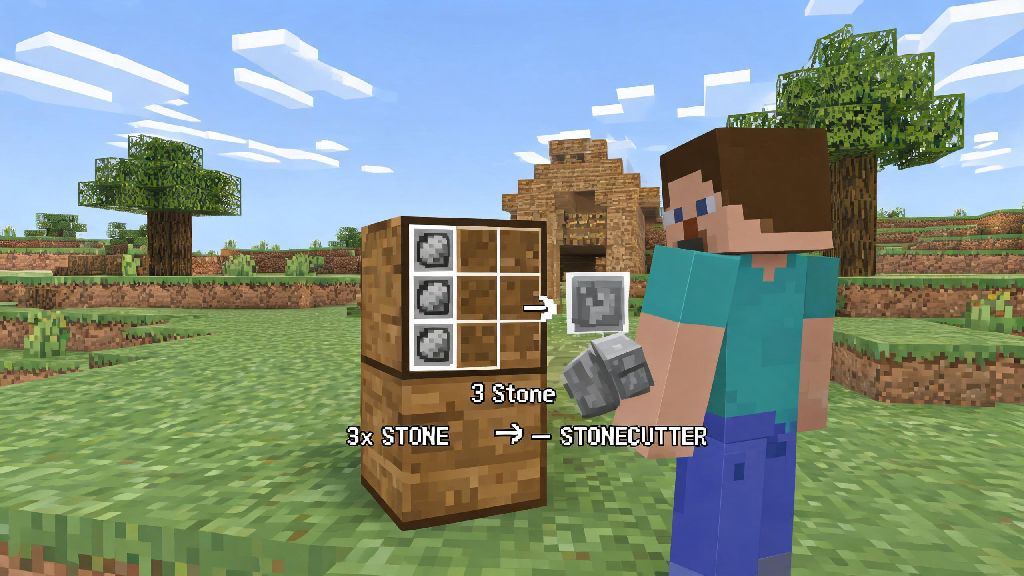
First, open your crafting table to pull up the 3x3 grid. Place your single iron ingot in the middle slot of the top row of the grid. Next, place your three stone blocks in the three slots of the middle row, one in each spot from left to right. Leave the entire bottom row and the two top corner slots completely empty.
You’ll see the stonecutter icon pop up in the result slot to the right of the grid. Click it to move it to your inventory, and you’re done. It’s that simple. If you don’t see the result pop up, go back and check that you’re using regular stone, not cobblestone or another stone variant, and that your items are placed in the right slots.
You can place the stonecutter anywhere you want, just like any other block. I recommend putting it right next to your furnace and crafting table so you don’t have to run across your base every time you need to make stone variants for builds. Now that you know how to make a stonecutter in Minecraft PC, you can start using it to speed up all your build projects right away.
Pro Ways to Use Your New Stonecutter to Save Time
A lot of new players think the stonecutter only makes basic stone blocks, but it’s way more versatile than that. It works on almost every stone-type block in the game, and it cuts out so many extra steps you’d have to do with a regular crafting table.
For example, if you want to make chiseled stone bricks with a crafting table, you have to make regular stone bricks first, then make stone brick slabs, then combine two slabs to get the chiseled variant. With a stonecutter, you can turn a single regular stone block directly into chiseled stone bricks in one click. That cuts 3/4 of the work out of the process, which is a huge help when you need hundreds of blocks for a big build.
It also eliminates waste from crafting mistakes. If you accidentally make 100 stone stairs when you wanted slabs, you can just pop those stairs back into the stonecutter and turn them into slabs, no resources lost. I can’t tell you how many times that saved me from wasting hours of grinding for extra stone early on in survival worlds.
Some of the most useful blocks you can make with the stonecutter include stone slabs, stairs, walls, chiseled variants, polished stone types, and even cut copper blocks if you’re working with copper for builds. The only stone-type blocks it doesn’t work on are netherrack and end stone, but those have their own separate crafting recipes anyway. You can even use it for deepslate variants, which is a lifesaver when you’re building in the deep dark or mining out a base below Y=0.
Common Mistakes to Avoid With Your Minecraft PC Stonecutter
Even if you craft the stonecutter correctly, there are a few common mistakes that can make it feel less useful than it actually is. I’ve made all of these at some point, so I know how frustrating they can be when you’re in a hurry to finish a build before nightfall.
The first big mistake is using the wrong input blocks. Remember, if you put cobblestone into the stonecutter, you’ll only get cobblestone variants, not regular stone variants. If you want smooth stone variants, you have to put smelted smooth stone into the input slot, not regular stone. Always double-check your input block before you spam click to make 50 of a variant, or you’ll end up with the wrong blocks and have to redo all your work.
Another mistake is not keeping multiple stonecutters for different build sites. If you’re building a big castle 1000 blocks away from your base, you don’t want to have to run back and forth every time you need more stairs. Keep a spare stonecutter in your inventory to place down at build sites, so you can turn raw stone you mine on site into the blocks you need right there. You can break a stonecutter with any pickaxe and pick it back up for free, so there’s no downside to moving it around as needed. I usually keep two or three in my ender chest for long-distance build trips.
The last mistake I see all the time is ignoring the stonecutter for small builds. Even if you only need 10 stone stairs for a small patio, using the stonecutter is still faster than crafting them at the regular table. You don’t have to save it only for big projects, it’s useful for every size of build, even tiny decorative details like chiseled stone accents for a garden path.
The stonecutter is one of the most underrated quality-of-life tools in Minecraft, especially for players who love building or spend a lot of time in survival mode. Once you learn how to make a stonecutter in Minecraft PC and get in the habit of using it for all your stone crafting needs, you’ll wonder how you ever played without it. Try adding it to your base setup in your next playthrough, and you’ll cut down your crafting time by hours over the course of a world.